
In today’s security-conscious world, NFC access control systems offer a modern, convenient, and highly secure solution for managing entry to various facilities. This comprehensive guide will walk you through the essential steps to successfully plan, deploy, and maintain an NFC-based access system, ensuring a smooth and efficient implementation process.
1. Understand the Core Components of an NFC Access Control System
Implementing an effective NFC access control system begins with a clear understanding of its fundamental building blocks.

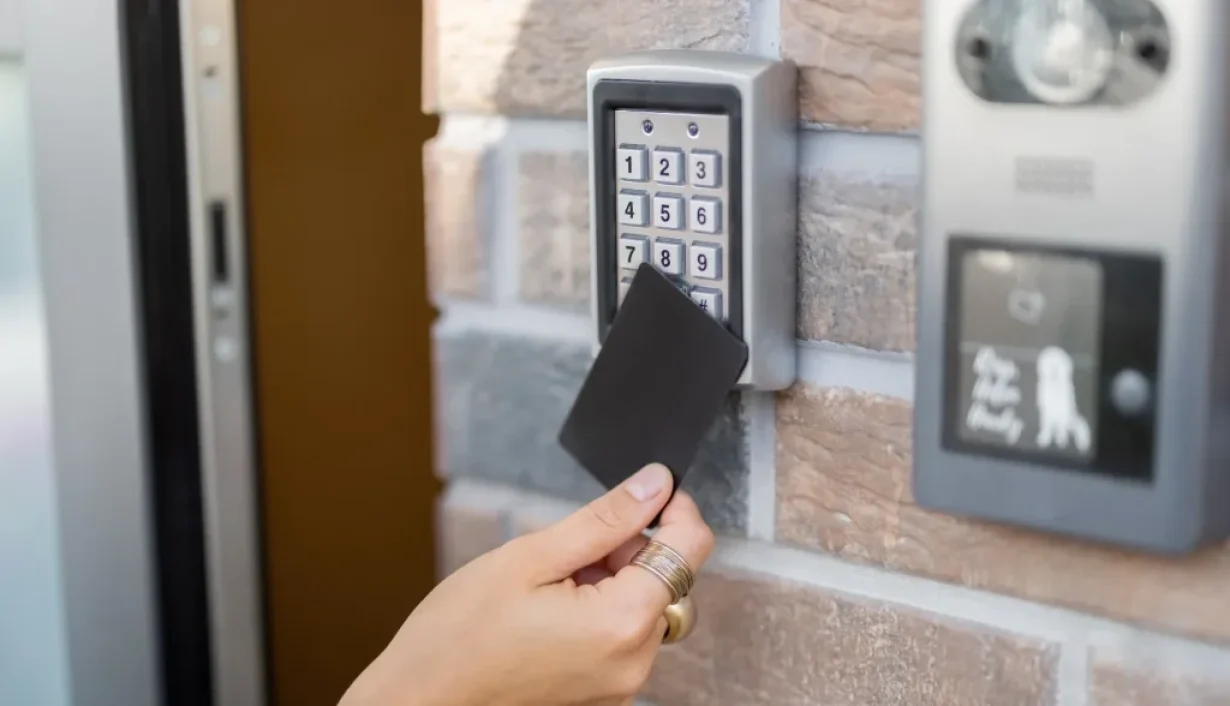
- NFC Readers: These devices are installed at entry points and are responsible for reading the NFC credentials presented by users.
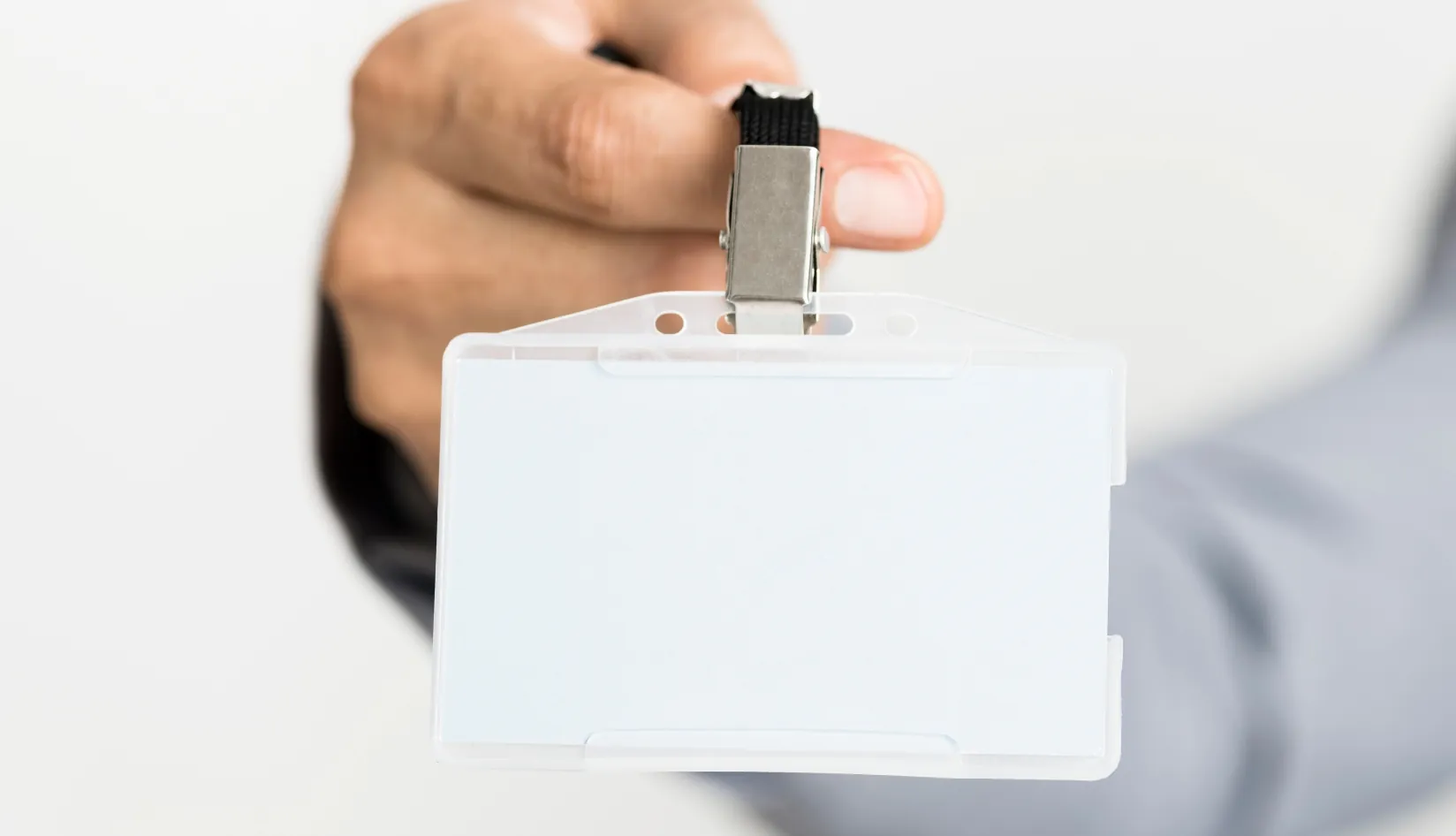
- Credentials: These are the physical or digital tokens that users present to the NFC readers to gain access. Common types include NFC cards, key fobs, wristbands and mobile NFC.
- Access Controller: This is the brain of the system. It receives data from the NFC reader, verifies the user’s access rights against a stored database, and then sends a command to the electric lock.
- Electric Lock / Door Strike / Magnetic Lock: These are the physical mechanisms that secure the door. Upon receiving a signal from the access controller, they either unlock (electric strike, magnetic lock) or release (electric lock) the door, allowing entry.
- Management Software: This software provides the interface for system administrators to configure, monitor, and manage the entire NFC access control system. It allows for adding/removing users, assigning access levels, viewing activity logs, and setting up schedules.
2. Evaluate Your Facility Requirements Before Deployment

Before diving into hardware selection, a thorough assessment of your facility’s specific needs is paramount. This evaluation will guide your choices and ensure the NFC access control system is tailored to your operational demands and security objectives.
- Number of Doors and Entry Points
- Number of users (employees, residents, guests, visitors)
- Areas that require higher security levels
- Indoor vs outdoor reader installation
- Whether you want to support mobile credentials
- Integration needs with CCTV, elevators, or attendance systems
3. Choose the Right NFC Credentials for Your Users

One of the strengths of NFC access control is the flexibility of credentials. Different environments call for different formats:
- NFC cards are ideal for offices and schools due to low cost and familiarity
- Key fobs are suitable for industrial environments and warehouses
- Wristbands are perfect for gyms, pools, and event venues
- Smartphones provide the most convenient and modern experience for corporate offices, hotels, and smart apartments
Many facilities choose to support both physical credentials and mobile access during transition.
4. Select Compatible NFC Readers and Controllers
When choosing hardware for NFC access control, ensure compatibility in these areas:
- Frequency: 13.56 MHz (standard for NFC)
- Communication protocol: Wiegand, RS485, or TCP/IP
- Weatherproof rating for outdoor readers
- Support for both cards and mobile credentials
- Controller capacity for the number of doors and users
Mismatched reader and controller protocols are a common source of installation problems, so confirm compatibility early.
5. Plan the Wiring and Physical Installation
Careful planning of the wiring and physical installation is crucial for the optimal performance and longevity of your NFC access control system. A well-executed installation minimizes troubleshooting and ensures reliable operation.

First, consider the reader mounting position and height. Readers should be installed at a comfortable and accessible height for all users, typically between 40-48 inches (100-120 cm) from the floor. Ensure there are no obstructions that could interfere with credential presentation.
The distance between the reader and the controller is another critical factor. Different communication protocols have varying maximum cable lengths. Using the correct gauge of cable and minimizing cable runs can prevent signal degradation and ensure consistent communication.
Power supply considerations are vital. Access control systems require a stable and sufficient power source. This often involves dedicated power supplies for controllers and readers, sometimes with battery backup units to ensure continued operation during power outages. Proper grounding and surge protection are also essential to protect equipment from electrical fluctuations.
Door lock type compatibility must be verified. The chosen electric lock, door strike, or magnetic lock must be compatible with the access controller’s output and the door’s physical characteristics. Ensure that the lock provides fail-safe or fail-secure options as required by safety regulations and your security policy.
Finally, avoiding metal interference is paramount, especially for NFC readers. Metal surfaces can significantly reduce the reading range and reliability of NFC devices. When mounting readers on or near metal door frames, use appropriate spacers or mounting plates to create a sufficient air gap. Always test the reading range after installation to confirm optimal performance.
6. Configure the Access Control Software
After installation, configure the management software:
- Register all doors and readers
- Enroll users and assign NFC credentials
- Create access groups based on roles, time schedules, and zones
- Assign administrator roles and permissions
- Choose between cloud-based or local server deployment
This configuration determines how your NFC access control system behaves in real-world scenarios.
7. Test the System Before Full Rollout
Thorough testing is a non-negotiable step before fully deploying your NFC access control system. This phase ensures that all components are functioning correctly, permissions are accurately applied, and the system behaves as expected under various scenarios. Identifying and rectifying issues at this stage can prevent significant disruptions and security vulnerabilities later on.

Begin by testing credential reading speed and reliability. Present various types of credentials (cards, fobs, phones) to each reader multiple times to ensure consistent and swift recognition. Any delays or failures in reading should be investigated immediately. This also includes testing the optimal reading distance and angle for each reader.
Next, perform comprehensive permission validation. Use different user credentials to attempt access to various doors at different times, verifying that only authorized individuals can enter specific areas during their designated access periods.
Crucially, conduct emergency unlock / fail-safe testing. Understand how the system behaves during power outages or emergencies. Ensure that doors either remain locked (fail-secure) or unlock automatically (fail-safe) according to your facility’s safety protocols and local regulations.
Finally, monitor log and event tracking. Ensure that all access attempts, successful or denied, are accurately recorded in the system’s audit trail. Verify that timestamps are correct and that the logs provide sufficient detail for security investigations. This logging capability is vital for compliance and forensic analysis.
8. Train Staff and Inform Users

User adoption is key to the success of NFC access control:
- Teach users how to tap cards or phones correctly
- Explain procedures for lost or stolen credentials
- Train administrators to add or remove users efficiently
- Establish a clear visitor credential process
Proper training reduces confusion and support requests.
9. Maintain and Scale Your NFC Access Control System
A major advantage of NFC access control is scalability:
- Easily add new doors to the system
- Issue new credentials in minutes
- Update firmware and software regularly
- Conduct periodic security reviews
- Expand across multiple buildings under one platform
This flexibility allows your system to grow with your facility.
10. Common Mistakes to Avoid During Implementation
Avoid these common errors:
- Installing readers on metal without insulation
- Choosing incompatible readers and controllers
- Ignoring mobile credential support
- Underestimating the number of users
- Poor wiring planning
Avoiding these pitfalls ensures a smooth implementation process.
11. Conclusion
Implementing an NFC access control system may seem complex at first, but with careful planning and a structured, step-by-step approach, it becomes a manageable and rewarding process. This guide has outlined the journey from understanding core components to maintaining and scaling your system with confidence. If you are looking for reliable NFC cards or RFID readers for your project, feel free to visit our website or contact us for a tailored RFID solution that fits your specific needs.
Recommended Product
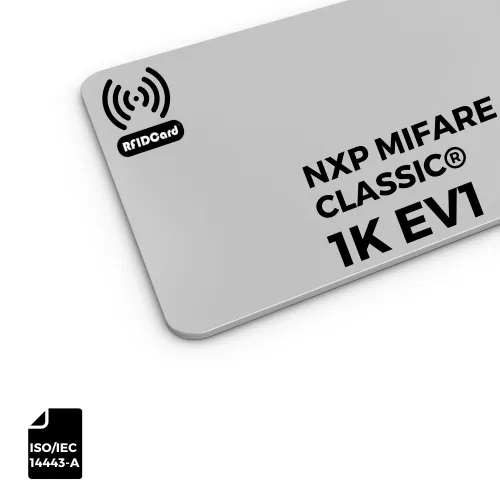
NXP MIFARE Classic® EV1 1K (S50) RFID Card ISO14443-A CR80

The NXP MIFARE Classic® EV1 1K (MIFARE® S50) blank RFID Cards are fully comply with ISO/IEC 14443-A. The RFID cards are made with Photo-quality standard PVC/PET in the size of CR80, which are suitable for use with most thermal transfer card printers.
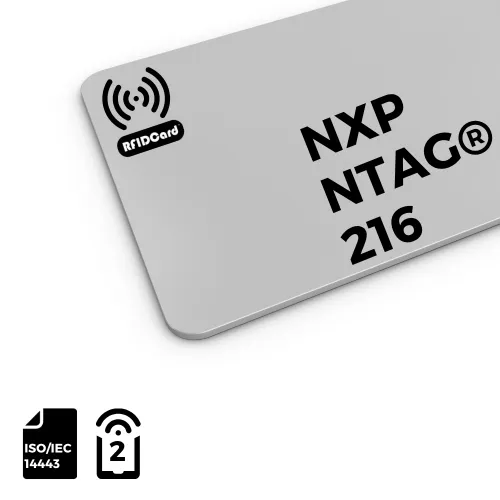
NFC Card NXP NTAG® 216 NFC Type 2
The NTAG® 216 RFID card is made with Photo quality standard PVC sheets into size of CR80, it programmed 7-byte UID with 888 bytes of user memory available (222 pages). The NTAG® 216 NFC ICs fully comply to NFC Forum Type 2 Tag and ISO/IEC14443 Type A specifications.