
As public EV charging networks expand worldwide, drivers are encountering a wide range of access methods—from mobile apps and QR codes to automatic “Plug & Charge.” Despite these digital options, the RFID ev charging card remains one of the most widely used and reliable tools for accessing public charging stations. This guide goes beyond basic instructions to explain how RFID charging cards function, how to troubleshoot common issues, and how to use them effectively when charging in public.
1. What an RFID EV Charging Card Actually Does
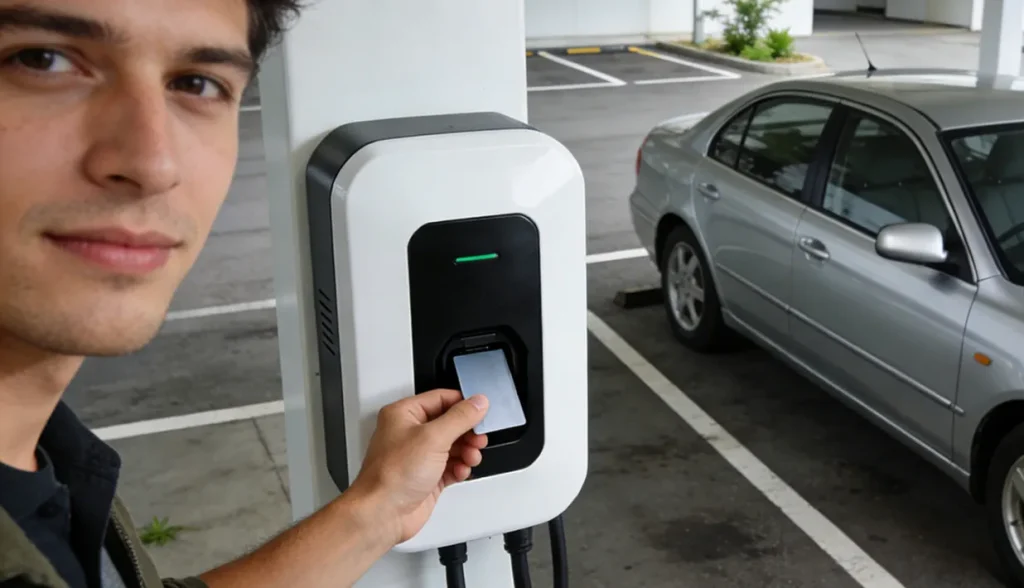
The process that occurs when you tap an RFID ev charging card against a charging station is a sophisticated, yet rapid, exchange of data. The card itself is a passive device, containing a microchip and an antenna. When brought near the charger’s RFID reader, the reader emits a radio frequency field that inductively powers the card’s chip.
Once powered, the card transmits its unique identifier (UID) to the charger. This UID is the first layer of verification. The charger then initiates a multi-step verification process:
- Card ID (UID) Verification: The charger checks the UID against its internal database or communicates with the network’s backend system.
- User Authorization: The system verifies that the UID is linked to an active, valid user account.
- Charging Permissions: The system checks for any restrictions, such as time-of-day limits, power limits, or whether the account is in good standing.
2. Step-by-Step: How to Use an RFID Card at a Public Charging Station
While the act of tapping a card seems simple, following a precise sequence can prevent common errors and ensure a smooth charging experience.
2.1 Before You Start Charging
Before tapping your card, confirm three things:
- The charging station supports RFID access.
- Your RFID card has been activated by the charging network.
- The card is physically intact—no cracks, severe bending, or deep scratches.
Many failed sessions occur before charging even begins, simply because the card is expired or deactivated.
2.2 Starting a Charging Session
To start charging:
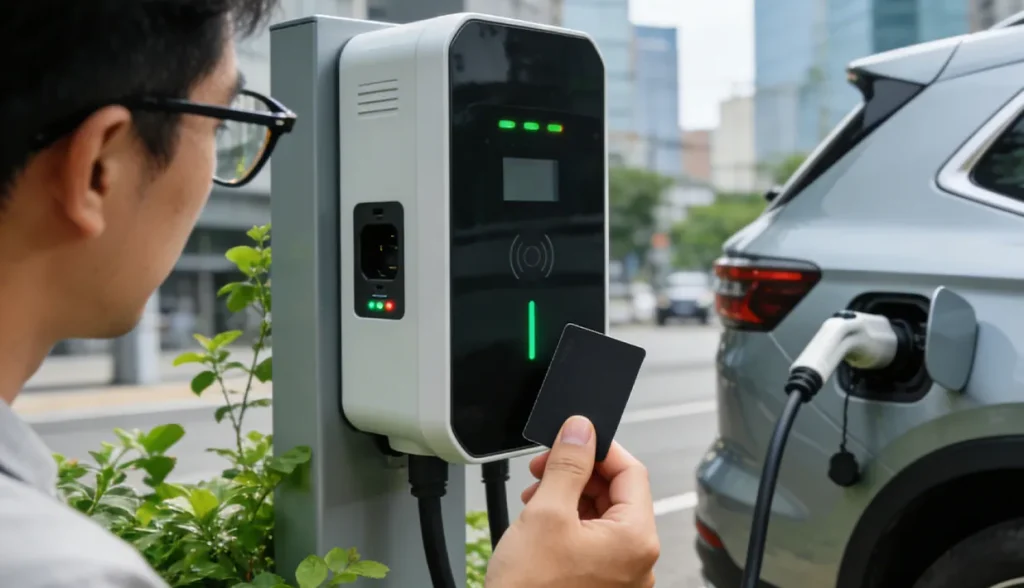
- Locate the RFID reader area.
- Hold the card flat against the reader for 1–2 seconds.
- Watch for confirmation: a beep, LED change, or on-screen message.
Avoid tapping too quickly or repeatedly. RFID readers need a brief, stable read. If nothing happens, remove the card, wait a few seconds, and try again.
2.3 During Charging
Once the session starts, the charger will typically display a “Charging” status, along with real-time metrics like current power (kW), energy delivered (kWh), and elapsed time.
- Confirmation is Key: The most common misunderstanding is assuming “plugged in” equals “charging.” The session is only active after the card has been successfully authenticated and the charger has established communication with the vehicle. Always verify the status on the charger screen and your vehicle’s dashboard.
- Do Not Re-tap: Tapping the card during an active session may prematurely end it or cause an error. Leave the card away from the reader until you are ready to stop.
2.4 Ending the Charging Session
Most public chargers require you to tap the same RFID ev charging card again to end the session. This step is essential:
- It closes the charging record.
- It unlocks the connector.
- It finalizes billing or usage logs.
Unplugging without tapping may leave the session open, leading to billing issues or blocked connectors.
3. Most Common Problems When Using RFID EV Charging Cards and How to Fix Them
Even the most reliable technology can encounter issues. Knowing how to diagnose and fix common RFID card problems can save significant time and frustration.

3.1 The Charger Does Not Respond at All
Possible causes:
- Incorrect card positioning or tapping too briefly
- Reader hardware malfunction
- Physically damaged RFID card
Solution:
- Try a slower, more deliberate tap.
- Test the card at another charger.
- If the card fails consistently, request a replacement.
3.2 Card Is Recognized but Charging Does Not Start
This is often a backend issue, not a card issue. The charger has successfully read the card but the network has denied the request.
- Authorization Exists, No Permission: Your account may be active, but you lack the specific permission for that charger.
- Account Balance/Subscription Issues: The network checks your account and finds a low or zero balance, or an expired subscription. You can check your account via the operator’s app or website and top up the balance or renew the subscription.
- Connector Locked, Power Not Delivered: The charger may lock the cable to the car, but the power contactors fail to close. You can try tapping the card to end the session, unplug, and restart the entire process. If it fails again, contact the operator’s support line.
3.3 Card Works Sometimes, But Not Always
This inconsistency is often caused by:
- Different charging operators using separate backend systems
- Limited roaming agreements
- Offline chargers that rely on outdated authorization lists
An RFID ev charging card is only as universal as the network agreements behind it.
3.4 Card Used to Work, But Suddenly Stopped
- Card Expiration Dates: While less common for standard access cards, some fleet or promotional cards have hard expiration dates.
- Backend Permission Changes: The operator may have changed the access group for the charger you are using.
- Card Deactivated for Security Reasons: If the card was reported lost and then found, or if suspicious activity was detected, the operator may have deactivated the UID.
4. Best Practices for EV Drivers Using RFID Charging Cards

Treating your ev charging card as a valuable key will ensure its longevity and reliability.
- Carrying and Storing Properly: Avoid storing the card next to strong magnets or other RFID-enabled cards. The interference can prevent the reader from picking up the correct UID.
- Lost or Stolen Cards: Report a lost or stolen card immediately via the operator’s app or website. This allows the operator to instantly deactivate the UID, preventing unauthorized use and potential billing to your account.
- Checking History and Billing: Regularly review your charging history and billing records through the operator’s portal. This helps you catch any erroneous charges, especially those resulting from an improperly ended session.
- Requesting a Replacement: If the card is visibly damaged or consistently fails to read at multiple, known-working stations, request a replacement. The internal antenna is fragile and can be damaged by bending.
5. What Charging Operators Should Know About RFID User Experience

From the operator’s perspective, the RFID ev charging card is a direct link to user satisfaction and operational efficiency. A poor RFID experience translates directly into higher support costs and customer churn.
- Unclear Reader Placement: Operators should use high-contrast colors, clear icons, and possibly illuminated rings to highlight the exact tapping area.
- Importance of Visual Feedback: The charger must provide immediate, unambiguous feedback. A sequence of light changes is crucial. A simple “Card Read” message on the screen is not enough; the user needs to know the outcome of the read.
- Reducing Support Tickets Through Better UX: A well-designed RFID interface, including clear on-screen instructions for starting and stopping the session, can drastically reduce the volume of “My card didn’t work” support calls.
- Simple RFID Instructions Still Matter: While experienced EV drivers know the drill, new users need simple, step-by-step instructions displayed prominently on the charger itself. This is especially true for stations that require the cable to be plugged in before the card tap, or vice-versa.
6. Conclusion
The RFID ev charging card is not a legacy technology waiting to disappear. It remains a practical, inclusive, and dependable authentication layer within modern EV charging ecosystems. As networks grow more complex and user groups more diverse, simplicity and reliability matter just as much as innovation.
Recommended Product
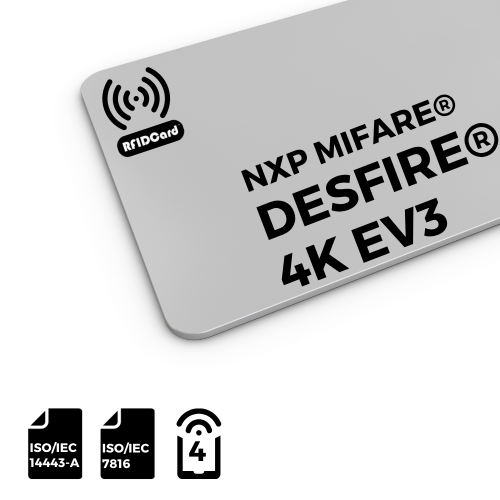
RFID Card NXP MIFARE® DESFire® EV3 4K

Blank or customized printing RFID cards with a choice of dimensions are available. The MIFARE® DESFire® EV3 4K is Common Criteria EAL5+ security certified for smart card IC products. The MIFARE® DESFire® EV3 4K ICs fully comply with NFC Forum Type 4 Tag.