
How to use App Clips?
App Clips will be supported in Apple’s iOS 14 update. Brands and retailers can now use NFC tags to provide easy access to mini-applications. App Clips effectively allows iPhone people to download a mini-app version that lets people access data without needing to download the full version of the software. Apple Pay, the Contactless payment service, is one illustration as to how App Clips could be used.
The Benefits of App Clips with NFC
- An App Clip is a small piece of your app that can be found when it is needed.
- Customers will be able to try and end an interaction from the app in seconds, buy takeaway food, rent a scooter, or establish a new wireless appliance for the first moment.
- Providing customers with ease and pace is an incentive for merchants, vendors, and marketers to enhance the quality of NFC interaction.
- An apple user just needs to hold, press, and click when placing their iPhone over an NFC Tag to just use App Clips.
Apple’s iOS upgrade did much more than render NFC more available to iPhone users. It has raised user engagement with NFC to a different extreme, eliminating yet another obstacle to the software. Brands could now appeal to a broader audience, delivering previously inaccessible ease and efficiency.
Other Updates Coming With iOS 14
iOS 14 has launched a slew of additional features that are incredibly useful and have greatly altered the user interface and functionality of iOS.
Alterations to the ‘Find My’ feature, enhancements to Homepage mini handovers, and more are among the new iOS 14.4 features, including several essential security updates.
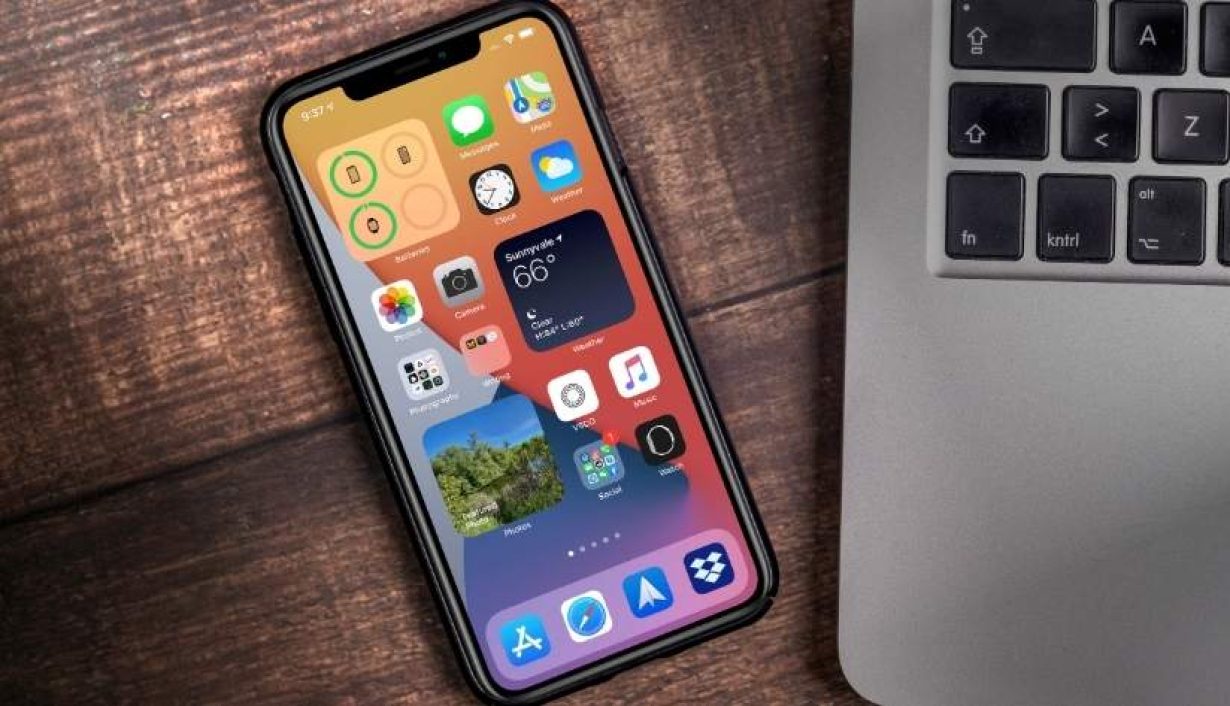
Whereas the big update to iOS 14 introduced widgets on the main screen to cut ties the static shaded look, lengthy picture-in-picture to post shows in the display corner while carrying out a task, and virtual keys to open your car with your iPhone.
Other noteworthy enhancements include removing full-screen calls, the enhanced translation of the application, and pinning conversations in Messages. Users can now update their car-play wallpaper, schedule cycling rides on the maps app, and create a private folder in the images app, among other items.