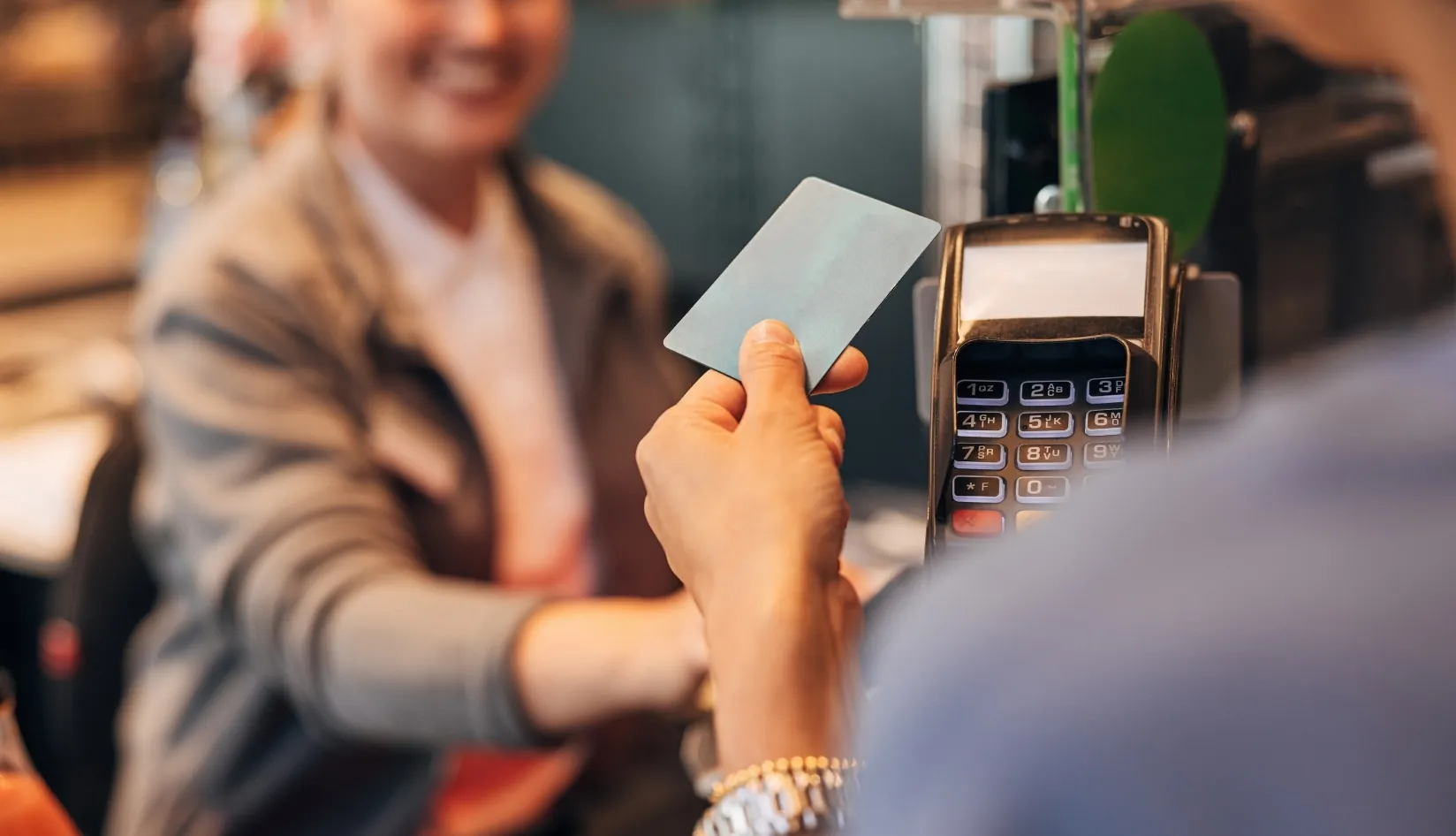
NFC is one of the innovations we overlook, but perhaps the most enjoyable things are anticipated. Near Field Communication helps devices close to each other to interact with each other, as you can see from its name (over radio waves).
While each of them has distinct strengths and applications, several peers have puzzled the minds of both vendors and users, such as RFID, Bluetooth, iBeacon, Zigbee, Rubee.
The “near” detail of the NFC is important because contact is very close to that (20 centimeters maximum range). The capacity for communication is not strong either. Vehicle access systems are one of NFC’s most common use fields.
Internet of Things
Creating interaction is one of the most common uses of NFC. That is a tag that approaches one another and that interacts with the reader. Many usage scenarios can be based on it. We have actually been doing it since the industrial revolution with a version: scanning cards at the entrance to factories or workplaces.
So for instance, your internet-connected light bulb will get weather updates from the internet and alarm you by displaying in the color you set at night, and your umbrella handle will change color the next morning (because it will rain). However, if you fail to take it as soon as you leave the house, it will send a message to your mobile phone. Think of a million possibilities like that.
NFC plays a major role in the “internet of things” topic, as you might expect. But a little planning and a few basic changes are needed to benefit from all these blessings.
Programming NFC tags
Our first requirement – of course – is to have a device with an NFC feature.
When you entered the bedroom, the cell phone would go into flight mode (to block both calls and GSM signals), turn on Wi-Fi access, connect to your home network, turn off the lights in the study room, and initiate data sync in the background (and a few more things).
When you sit at your desk, it would turn off the flight mode and return to normal, turn on Wi-Fi access and connect to the home network, turn on the lamp if it is evening time (it learns whether the sun is setting in your environment from the internet) and read the messages aloud to the phone.
You can use an application named Trigger, which is very common in the Android community, to build simulations. It’s normally free, but some features only function with the premium edition (may not be necessary for you). Moreover, in order to use any functionality, you need to have root authority on your device due to the nature of Android.
There is an app named iRoot that will run on Desktop and Mac at the same time. The job is completed in one press (but be careful anyway).
It is not necessary to read NFC tags alone. To code them, we need another application. For this, a plug-in called Trigger Tag Reuse has to be mounted (free).
You have 2 NFC tags, an LG G2, and the Trigger and Trigger Tag Reuse software installed on it after all.
In this way, all sorts of NFC-based scenarios in your home or workplace can be developed. When you leave the home, click on the air conditioner at the workplace, turn on the heater/cooler in the house when you leave work or tell the people in the house/workplace via SMS… Use your imagination.
Perhaps it was overwhelming while reading, but it is incredibly easy and fun considering the complexity above.