Introduction
In modern business environments, efficiency and security are considered paramount. However, an often overlooked aspect—office printing—frequently becomes a bottleneck for efficiency and a security risk. The traditional printing process, where files are sent to shared printers, and users must manually approach the device, wait in crowded queues, and hope their documents aren’t mistakenly taken by others, is deemed inefficient and fraught with risks.
This “printing anxiety” is particularly pronounced in large enterprises, multinational corporations, and organizations handling substantial volumes of sensitive documents. Files lingering in print queues not only waste time but also expose confidential information to the risk of unauthorized viewing. Consequently, an innovative solution is urgently needed in today’s office environments that can streamline processes, ensure security, and boost efficiency.
Near Field Communication (NFC) Tap-to-Print technology, an advanced application of RFID technology, is being introduced to address these longstanding pain points. By tightly linking print jobs to personal identity credentials—such as NFC employee badges, or visitor passes—this technology makes printing instantaneous, secure, and highly personalized. This article will delve into how NFC Tap to Print works, how it integrates with your existing ID card systems, and the comprehensive benefits it delivers to enterprises.
1. The “Triple Dilemma” of Traditional Office Printing

Before the widespread adoption of NFC tap-to-print solutions, traditional printing systems were considered to have three major challenges that directly impacted operational efficiency and information security within enterprises.
Efficiency Loss: Print Queues and Waiting Times
During peak hours, especially in large offices or shared workspaces, queues frequently form around printers. After sending documents to the printer, employees must leave their workstations, travel to the print area, and wait for the printer to process the task. If the printer malfunctions, jams, or runs out of supplies, the efficiency of the entire queue is compromised.
- Once print jobs are sent, employees’ time is consumed traveling to the print area and waiting for the device’s response.
- Overall print process efficiency is significantly reduced due to equipment failures or supply shortages.
- This non-productive waiting time is recognized as a significant component of operational costs.
Security Risks: Unclaimed Documents and Information Leaks
In traditional printing, documents are printed immediately upon submission and placed in the printer’s output tray. If users fail to retrieve them promptly, these hard copies remain exposed in public areas. For documents containing sensitive information—such as financial statements, customer data, or personnel records—this creates a serious security vulnerability.
- Confidential information printed may be left unattended in public areas, posing a risk of data leakage.
- Unclaimed printouts are viewed as a potential challenge to corporate data protection policies.
- Stricter authentication mechanisms are essential to prevent unauthorized access to sensitive data.
Cost Waste: Driver Management and Unprinted Paper
In large enterprises, IT departments expend significant resources managing diverse printer drivers and configurations. Furthermore, substantial paper and ink are wasted when users initiate print jobs but ultimately forget or decide not to collect them. These accumulated resource wastages impose unnecessary burdens on operational costs.
- IT resources are diverted to complex driver and device management instead of more strategic tasks.
- Significant paper and consumables are wasted due to users forgetting or canceling print jobs.
- These uncollected print jobs are identified as an area requiring improvement in the company’s sustainability efforts.
2. NFC Tap To Print: A Simplified Security Mechanism

The NFC tap-to-print solution completely resolves the aforementioned challenges of traditional printing by introducing authentication and on-demand release mechanisms.
How It Works: Short Range, High Efficiency
NFC (Near Field Communication) is a short-range, high-frequency wireless communication technology enabling contactless peer-to-peer data transfer between electronic devices. As a subset of RFID technology, NFC typically operates within a range of just a few centimeters.
- Data transfer occurs via electromagnetic induction coupling rather than radio waves.
- When communication is activated, a connection forms between the NFC device (e.g., your employee card) and the printer’s reader.
- This short-range characteristic ensures print jobs are released only when physically near the device.
Revolutionizing the Print Process: “Submit-Tap-Release” Model
The core of NFC tap-to-print lies in its “Submit-Tap-Release” workflow, also known as Follow-Me Printing.
Submit: Users send print jobs from any device (PC, phone, tablet) to a central print server or cloud. Jobs are securely stored, awaiting claim.
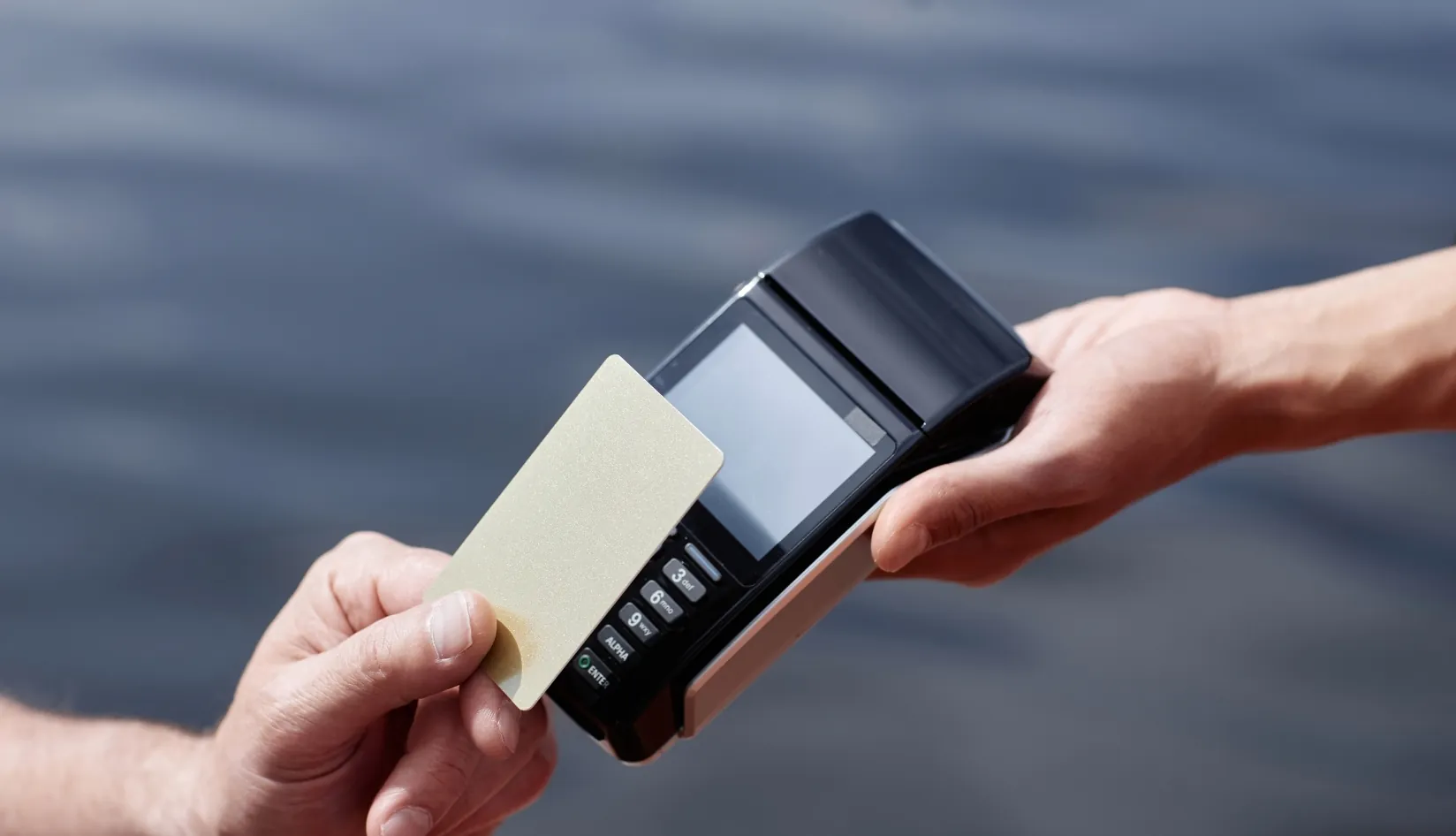
Tap: The user approaches any NFC-enabled printer. They tap their NFC employee or visitor card against the printer’s reader.
Release: After identity verification, the user’s list of cloud-stored print jobs is displayed. They can selectively release or delete tasks.
- Print jobs are securely stored in the cloud until user authentication occurs.
- NFC card authentication is used to authorize job release
- Documents are printed only when the user is physically present, ensuring document security.
Core Advantages: Immediacy and Convenience
The strength of NFC Tap-to-Print lies in its exceptional convenience and immediacy. Users need not remember complex passwords or install specific drivers on their computers. A simple “tap” completes both authentication and task release.
- Complex password entry is replaced by NFC tap-to-print.
- Print jobs can be released from any supported printer, enhancing workplace flexibility.
- By eliminating queues and wait times, employee productivity is effectively boosted.
3. Core Application: NFC Employee/Visitor Cards

The successful implementation of NFC tap-to-print solutions relies on reliable NFC identity credentials. The NFC employee cards, visitor cards, and custom RFID tags provided by your enterprise are critical components of this solution.
Identity Carrier: Multifunctional NFC Cards
Within the NFC Tap-to-Print system, your NFC cards serve as unique identity recognition and authentication tools. These cards incorporate NFC chips capable of storing encrypted user IDs for secure communication with printer readers.
- NFC chips are embedded in employee and visitor cards to enable contactless authentication.
- User identity information is encrypted and stored on the card for secure communication with the print management system.
- By using the same card for access control, attendance tracking, and print release, enterprise management processes are highly integrated.
Solution Integration: From Access Control to Printing
An efficient office environment requires seamless connectivity between systems. Your NFC card can be designed as a multifunctional card, enabling “one card for all”:
- Access Control System: Used for entering office areas and specific rooms.
- Access Control System: Used for entering office areas and specific rooms.
- Print Release: Used to securely release print jobs.
Print Release: Used to securely release print jobs.
4. Comprehensive Benefit Analysis of NFC Printing Solutions
The NFC tap-to-print solution delivers multifaceted benefits, addressing print queues and security concerns while generating significant cost savings and management optimization for enterprises.
Enhanced Security: Mandatory “Follow-Me Printing”
By requiring users to authenticate with NFC cards, print job security is fundamentally elevated.
- User identity must be verified before documents are printed.
- Unauthorized document access is effectively prevented.
- Sensitive information is protected to comply with stringent data privacy regulations.
Cost Optimization: Reduced Waste and Simplified Management
The NFC printing system significantly reduces paper and consumable waste through its “print-on-demand” mechanism.
- Unclaimed print jobs are automatically deleted after a set period, minimizing paper waste.
- IT department management burden is reduced as driver and device configuration management is centralized.
- Costs can be precisely allocated and controlled by tracking the print volume of each card.
Efficiency Comparison: Traditional Printing vs. NFC Tap-to-Print
To clearly demonstrate the advantages of NFC Tap-to-Print, the following table compares key features of both printing modes:
| Features | Traditional printing mode | NFC tap-to-print mode (using NFC cards) |
| Document security | Low (documents exposed in public areas) | High (documents released only when user is present) |
| Printing efficiency | Low (restricted by printer location and queue) | High (released instantly from any device) |
| Authentication | None or password-based (easily shared) | NFC Card-Based (Physical Credential, Highly Secure) |
| Resource Waste | High (Unclaimed documents cause paper waste) | Low (Tasks are not printed if not released) |
| IT Management Complexity | High (Requires managing drivers and devices) | Low (Centralized management, card serves as credential) |
| User Experience | Poor (Requires waiting and queuing) | Excellent (Complete with a tap, convenient and fast) |
- By comparing these key features, the superiority of NFC tap-to-print mode is clearly demonstrated.
- Business decision-makers are encouraged to consider this modern solution that delivers multiple benefits.
Conclusion
NFC tap-to-print technology, especially when combined with customized NFC employee/visitor cards, is considered a key step in revolutionizing the office experience. By introducing secure, convenient authentication mechanisms, it effectively eliminates long-standing issues in traditional printing—such as print queues, security vulnerabilities, and resource wastage.
- Office efficiency and security are significantly enhanced.
- Operational costs are optimized while supporting sustainability goals.
- Management processes are streamlined by integrating access control, attendance tracking, and print release functions into a single multifunctional NFC card.
To transform your office environment into a smarter, safer, and more efficient space, it’s time to upgrade your identification card system. We at RFIDCard invite you to contact us immediately for customized NFC employee/visitor card solutions. Our expert team provides end-to-end support from design to production, ensuring your NFC tap-to-print system operates seamlessly and efficiently.
Recommended Product

BioPoly™ Stone Sheraton Key Card

Exclusively designed for Sheraton, the BioPoly™ Stone RFID key card combines sustainability, durability, and modern design. Crafted from eco-friendly materials, it seamlessly integrates with Sheraton’s locking systems, ensuring secure, effortless access for your guests. Choose BioPoly™ Stone for a stylish, reliable, and environmentally conscious solution that aligns perfectly with your brand’s commitment to luxury and sustainability.
IMPORTANT NOTICE: All MIFARE Ultralight® AES cards supplied on this site is factory default (non-encrypted) version.