In the digital age, libraries are embracing smarter systems to improve efficiency and user experience. One of the most transformative upgrades is the adoption of RFID library solutions. Unlike traditional barcode-based systems that require manual scanning and line-of-sight identification, RFID technology uses radio frequency signals to read multiple items simultaneously and automatically. From faster check-ins and check-outs to real-time inventory tracking and theft prevention, RFID library solutions enable libraries to operate with greater accuracy, speed, and convenience. This guide will take you through each stage — from planning and hardware selection to software integration and staff training — helping you understand what’s required to make the transition smooth, efficient, and future-ready.
Step 1: Assess Your Library’s Needs and Objectives
The journey to a successful RFID implementation begins not with technology, but with a clear understanding of the library’s specific needs and strategic objectives. A thorough assessment phase is crucial to defining the scope and ensuring the chosen solution aligns perfectly with the institution’s goals. The first step is to define precisely what problems the library intends to solve. Is the primary goal to accelerate circulation and reduce patron wait times? Is it to dramatically improve the accuracy and speed of inventory management? Or is it to enhance security and reduce loss of materials? RFID library solutions can serve different priorities depending on your goals:
- Operational efficiency: Faster circulation and automated sorting.
- Accuracy: Reduced human error in cataloging and tracking.
- Security: Real-time alerts for unauthorized removals.
- User satisfaction: Convenient self-service and shorter waiting times.
Step 2: Choose the Right RFID Hardware

Selecting the appropriate hardware is a foundational element of any successful RFID deployment. The system is composed of several key components, each playing a vital role in the overall functionality.
- RFID Tags or Labels: These are the heart of the system, containing a microchip and antenna that store and transmit item data. They are affixed to books and other materials.
- RFID Library Cards: These replace traditional barcode-based patron cards, enabling faster self-service check-out and access control.
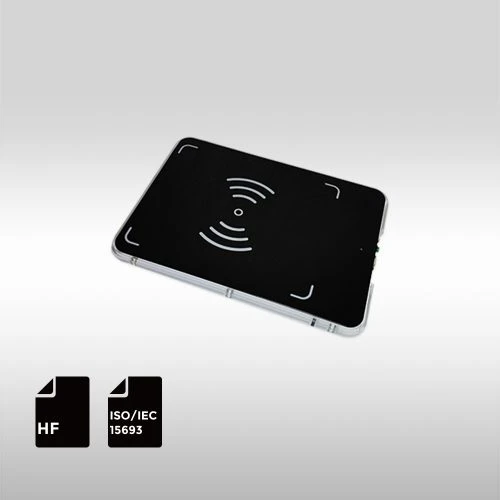
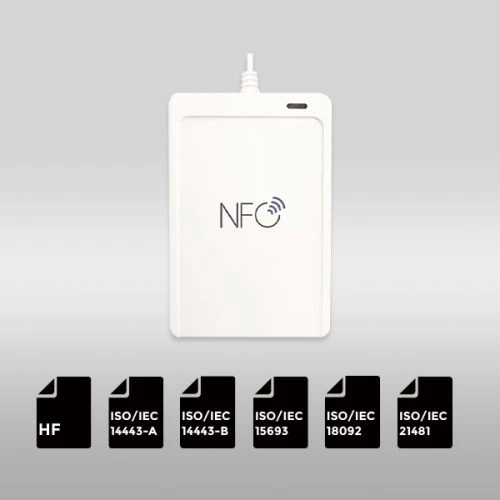
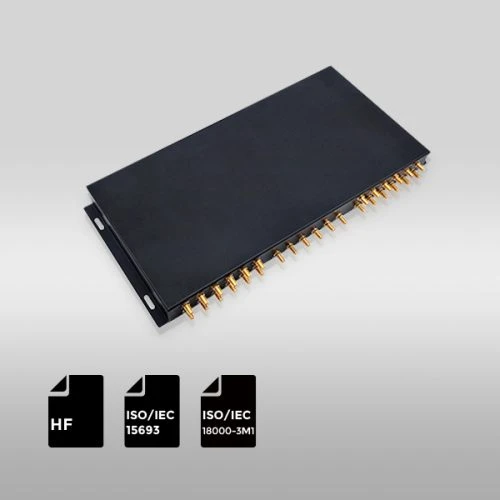
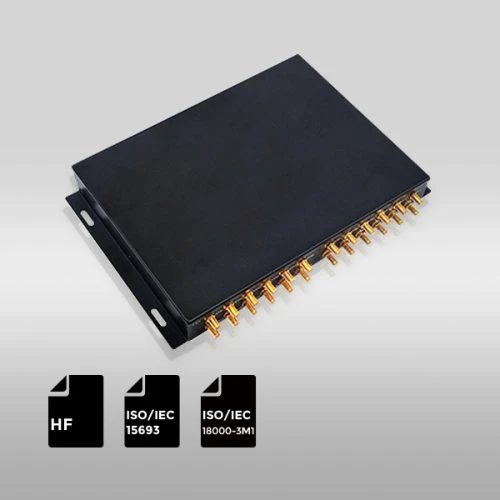
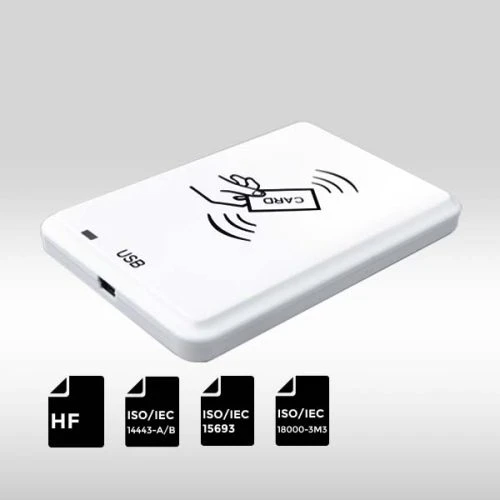
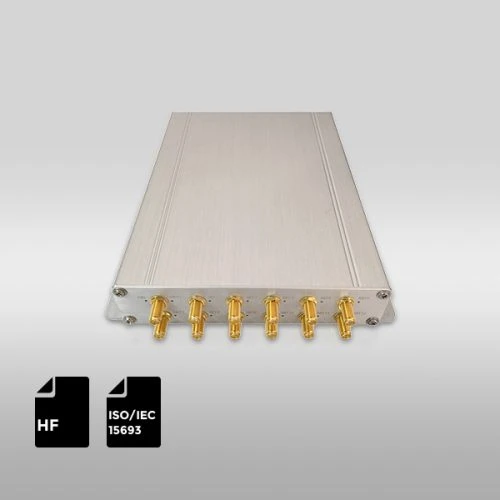
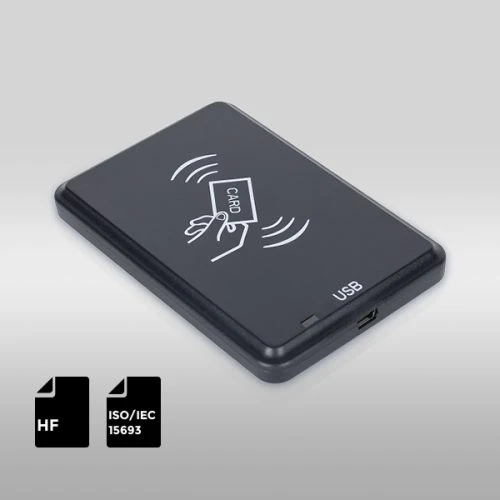
- RFID Readers and Antennas: These devices, integrated into check-in/out stations, self-service kiosks, and staff workstations, read the data from the tags.
- Security Gates: Placed at library exits, these gates detect unauthorized items, simultaneously desensitizing the tag upon proper check-out and sounding an alarm if an item is being removed without being processed.
For most library settings, HF (High Frequency) tags based on ISO 15693 standards are ideal because they offer stable read ranges and strong anti-collision performance.Readers also receive RFID-enabled membership cards. RFIDCard supply custom-printed RFID library cards made with durable PVC and embedded with NXP ICODE SLIX or NTAG series chips — both excellent for reliable HF performance and long lifespan.
Step 3: Software Integration and Data Management
Hardware alone cannot run your library efficiently — it needs a powerful software backbone. The software layer connects RFID hardware with your Library Management System (LMS) and database. The primary function of this integration is to ensure that RFID data syncs instantaneously and accurately with the library’s catalog records. When a patron checks out a book, the RFID reader identifies the item, the middleware communicates this ID to the LMS, and the LMS updates the item’s status from “On Shelf” to “Checked Out” against the patron’s account.
Key software functions include:
- Automatic Item Identification: Eliminating the need for manual barcode scanning.
- Transaction Logs: Maintaining a detailed, auditable record of all circulation activities.
- Real-time Reports: Providing staff with immediate data on circulation volume, inventory status, and system performance.
Step 4: Tagging and System Setup
Tagging is the most time-consuming but critical part of deploying RFID library solutions. Each book, magazine, or multimedia item must receive a unique tag linked to its database record.
The Tagging Process:
- Data Encoding: Each RFID tag must be encoded with a unique identifier that corresponds to the item’s barcode or accession number in the LMS. This is typically done using a dedicated staff workstation encoder.
- Physical Placement: Tags must be securely affixed to the materials. For books, placement is usually inside the front or back cover, away from the spine, to minimize damage and ensure reliable reading. Tips for placement include avoiding metal or liquid-heavy areas and ensuring the tag is flat and smooth.
- Collection Coverage: The tagging process must cover all materials, including books, magazines, CDs, and DVDs, each potentially requiring a different tag type or placement strategy.
Step 5: Staff Training and User Education
Technology is only as effective as the people who use it. A comprehensive training and education program is essential for maximizing the return on investment in RFID library solutions.
Librarians and library staff are the primary users of the new system. Training must cover:
- Equipment Operation: How to use the RFID staff workstations, encoders, and inventory wands.
- Software Procedures: New workflows for check-in, check-out, and material handling within the LMS.
- Troubleshooting: Basic steps for resolving common issues, such as tag read failures or security gate alarms.
- Inventory Management: Training on using mobile RFID readers for rapid shelf-reading and inventory.
Patrons must be comfortable with the new self-service options. The library should proactively introduce the RFID self-checkout process through:
- Signage and Quick Guides: Clear, concise instructions placed prominently near self-service kiosks.
- Patron Communication: Announcements via the library website, newsletters, and social media explaining the benefits of the faster service.
Step 6: Testing, Optimization, and Maintenance

Before going live, run a pilot test in a limited section of the library. This trial phase will reveal any hardware blind spots, software glitches, or workflow inefficiencies. Conduct pilot runs in a controlled environment or a single branch. This allows the library to identify and resolve unforeseen issues without disrupting the entire system. Key performance indicators (KPIs) to monitor during the pilot include:
- Read Rate: The percentage of successful tag reads on the first attempt.
- Checkout Speed: The average time taken for a patron to complete a transaction.
- Error Rate: The frequency of misreads, false alarms, or data synchronization failures.
After making necessary adjustments, you can expand the RFID system across the entire library. Ongoing maintenance ensures stable operation — including regular tag audits, software updates, and reader calibration.
Benefits You’ll See After Implementation
The investment in a robust RFID system yields a multitude of tangible and intangible benefits that fundamentally improve library service and operations.
| Benefit Category | Description | Impact on Library Operations |
| Circulation Efficiency | Patrons can check out multiple items simultaneously without opening books or scanning individual barcodes. | Faster Service: Reduced patron wait times and increased throughput, especially during peak hours. |
| Inventory Management | Staff can perform shelf-reading and full inventory counts up to 25 times faster using mobile RFID wands. | Accuracy & Time Savings: Real-time inventory status, reduced time spent searching for misplaced items, and more frequent, accurate counts. |
| Staff Workload Reduction | Automation of check-in/out frees up staff from repetitive, manual tasks. | Reallocation of Resources: Staff can focus on high-value activities like patron assistance, programming, and collection development. |
| Enhanced Security | Security gates are highly reliable and can detect items that have not been properly checked out, regardless of placement. | Reduced Loss: Lower rates of material loss and improved asset protection. |
| Patron Experience | Self-service options offer convenience and privacy. | Modernization: Positions the library as a modern, technology-forward institution, improving overall user satisfaction. |
Conclusion
Implementing RFID library solutions is not just a technology upgrade — it’s a strategic transformation. From automated checkouts and improved security to better data visibility, RFID empowers libraries to serve their communities with greater efficiency and precision. By following this step-by-step guide — assessing your needs, choosing the right hardware, integrating with your LMS, and training your staff — your library can unlock all the benefits RFID has to offer. Looking to upgrade your library? Contact us to find the ideal RFID solution for your system and begin your journey toward operational excellence.